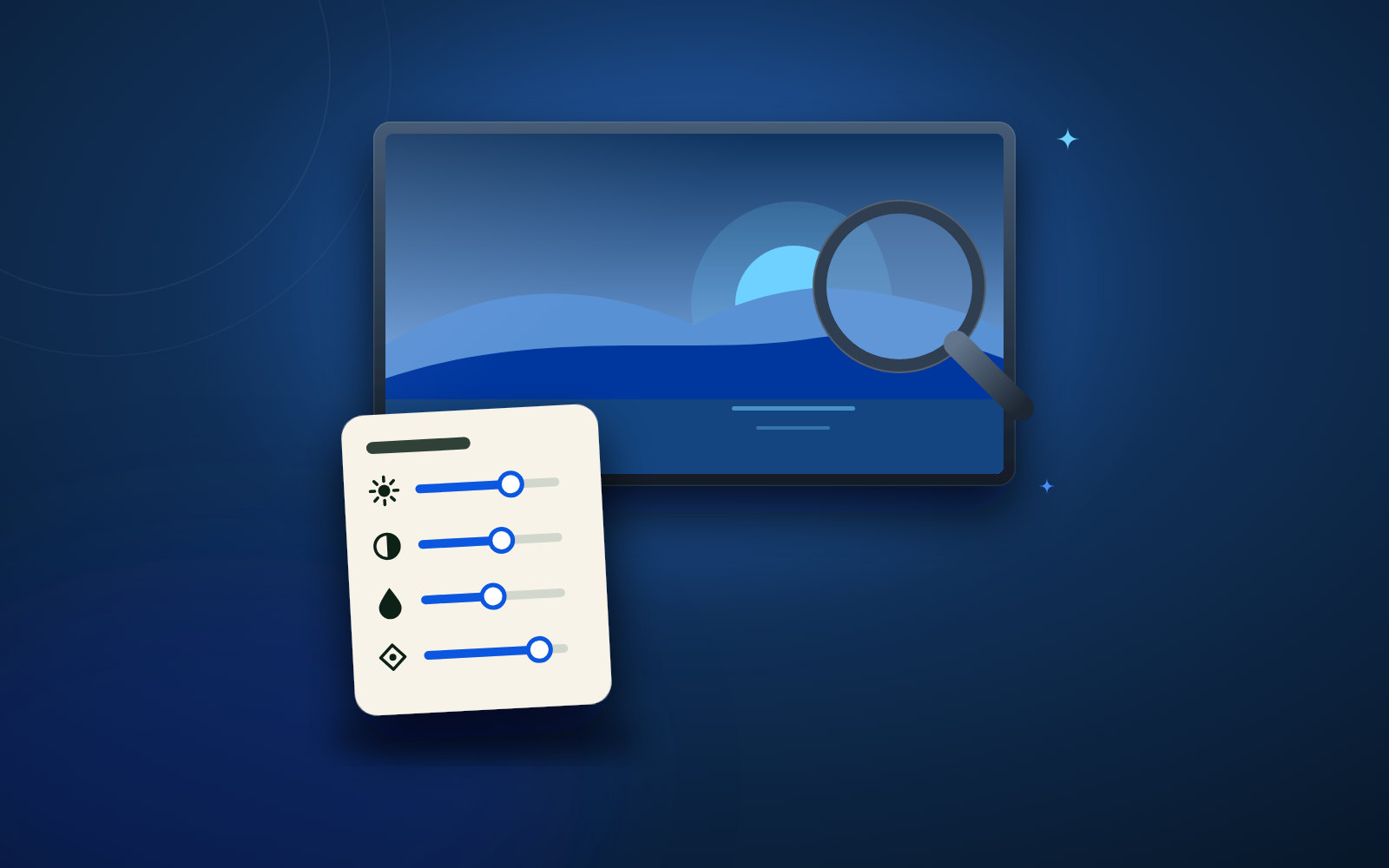
Setting up your TV for the sharpest picture

Four settings you can change in a few minutes.

Setting up your TV for the sharpest picture
Guide4 min read

Choose the right picture mode

Set your TV to Movie, Cinema or Filmmaker. The shop's standard mode is too bright and too blue.

Turn noise reduction off

Noise reduction makes the picture soft. With a good stream you do not need it.

Use the 4K port

Not every HDMI port can do 4K with HDR. Check the manual for the one that can, and plug your box into it.

Choose 4K in the app

Pick the 4K version of a film or channel in the app when there is one. Then you really see the difference.

View packages

More articles

Secure payment · Instant activation within 5 minutes

Crystal clear, tonight

Choose your package, pay once and get your details, usually within ten minutes.

IPTV HELDER

The number #1 premium 4K IPTV provider in the Netherlands. Enjoy more than 80.000+ live TV channels, all top Dutch sports and 200.000+ VOD movies & series on all your devices.

Questions about a package, a channel or installing on your TV? Our Dutch support team helps you via WhatsApp, usually within 2 minutes.

Supported Devices

  • Smart TV (Samsung / LG)
  • Amazon Firestick & Fire TV
  • Android TV / Google TV
  • Apple TV, iPhone & iPad
  • Formuler / MAG Box / Enigma2
  • Windows & Mac

Pay securely with:

iDEAL · Bancontact · Creditcard · Apple Pay · Crypto

Secure payment · Instant activation within 5 minutes
99.9% Uptime Dedicated European Servers

Disclaimer & Legal Information: IPTV Helder acts as a technology and network service provider. All brand names, logos and channel names (such as Ziggo, Viaplay, ESPN, NPO, RTL) are the property of their respective owners. Our services are intended solely for educational and personal network purposes in accordance with applicable regulations.

© 2026 IPTV Helder. All rights reserved.
Privacy Policy·Terms & Conditions·Server Status (99.9%)·Nederlands·Deutsch